Take a look at the FAL Digital platform through these screenshots from the current build.
These screenshots show the current FAL Digital build: interactive Arabic e-books with audio pronunciation hotspots and lesson-linked games. Explore the library, open a page, tap to hear Arabic, then practise the same lesson vocabulary through structured activities.
Browse by book and level so learners always know where they are in the progression — ideal for home learning and classroom use.
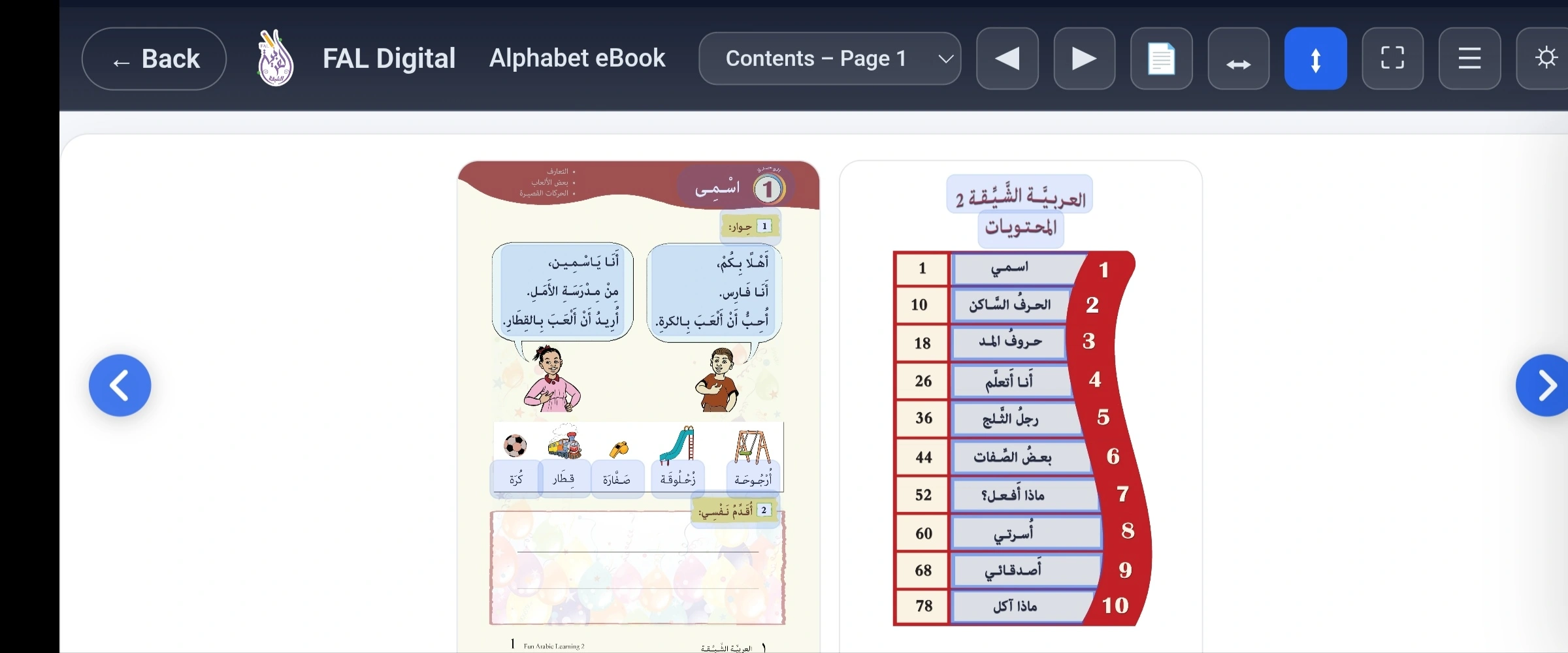
Home page library
Home page showing book library and navigation
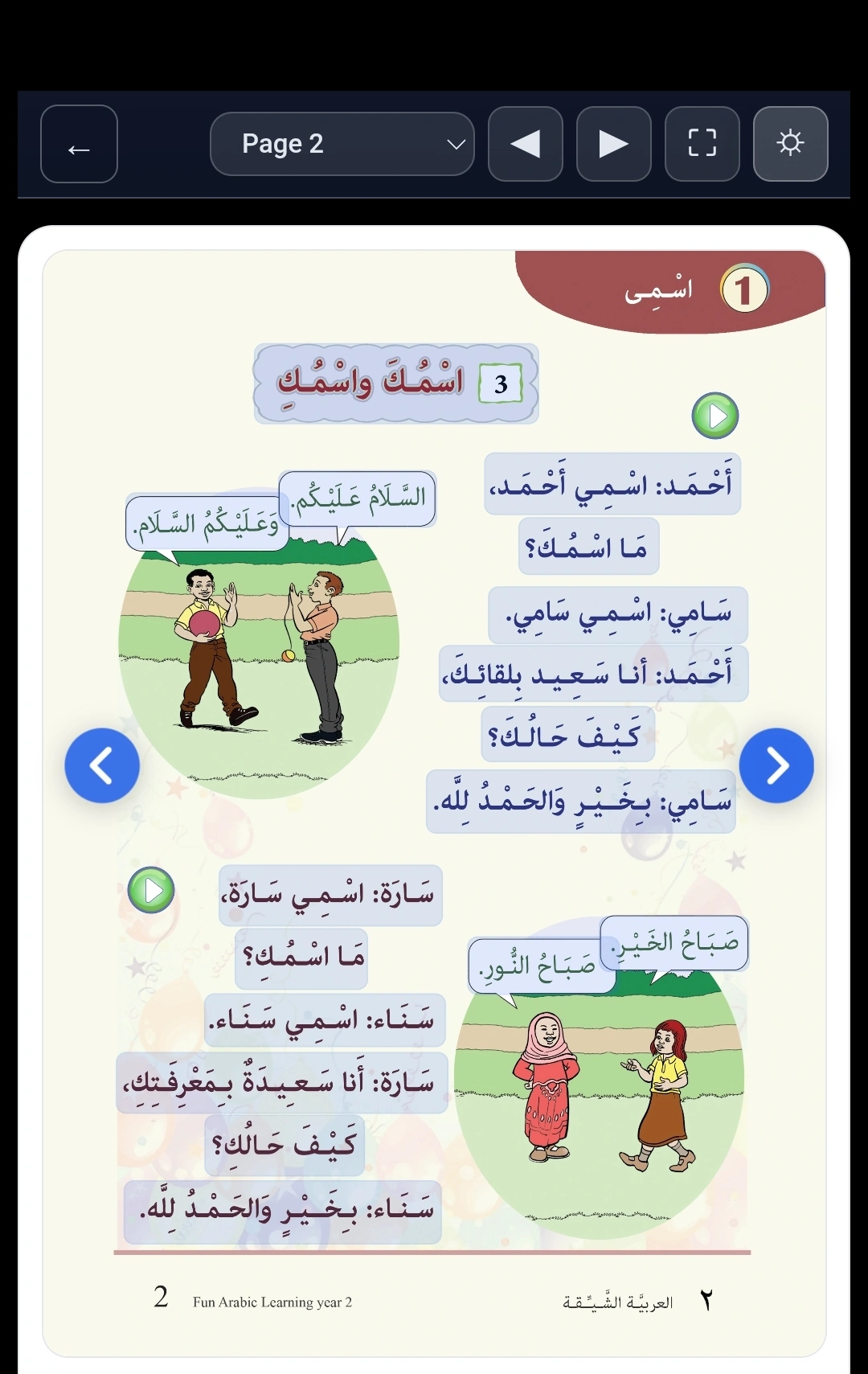
Interactive E-Book Viewer with Hotspots
Each page is a digital version of the FAL books with tappable hotspots for pronunciation, helping children connect sound to script consistently.
E-book viewer
Interactive e-book page with tappable audio hotspots
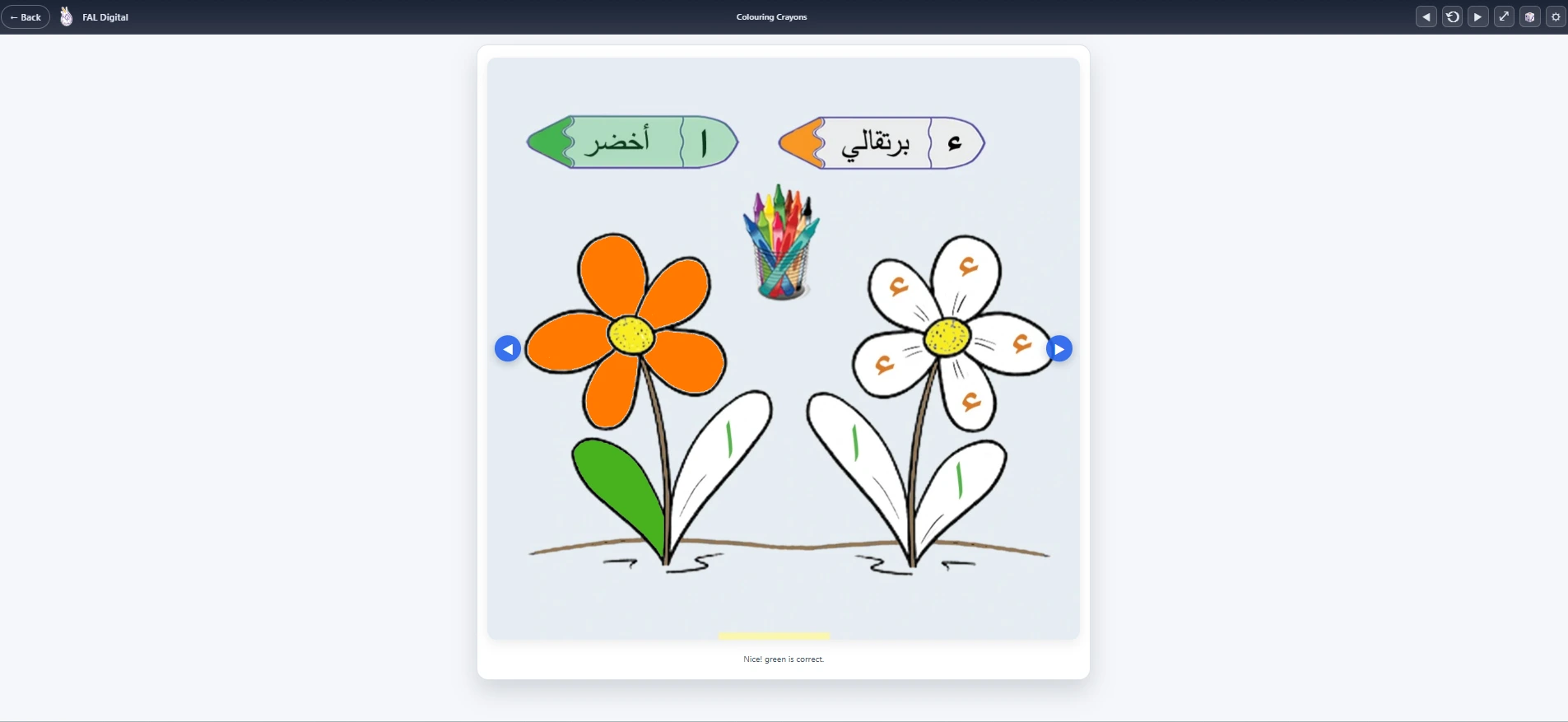
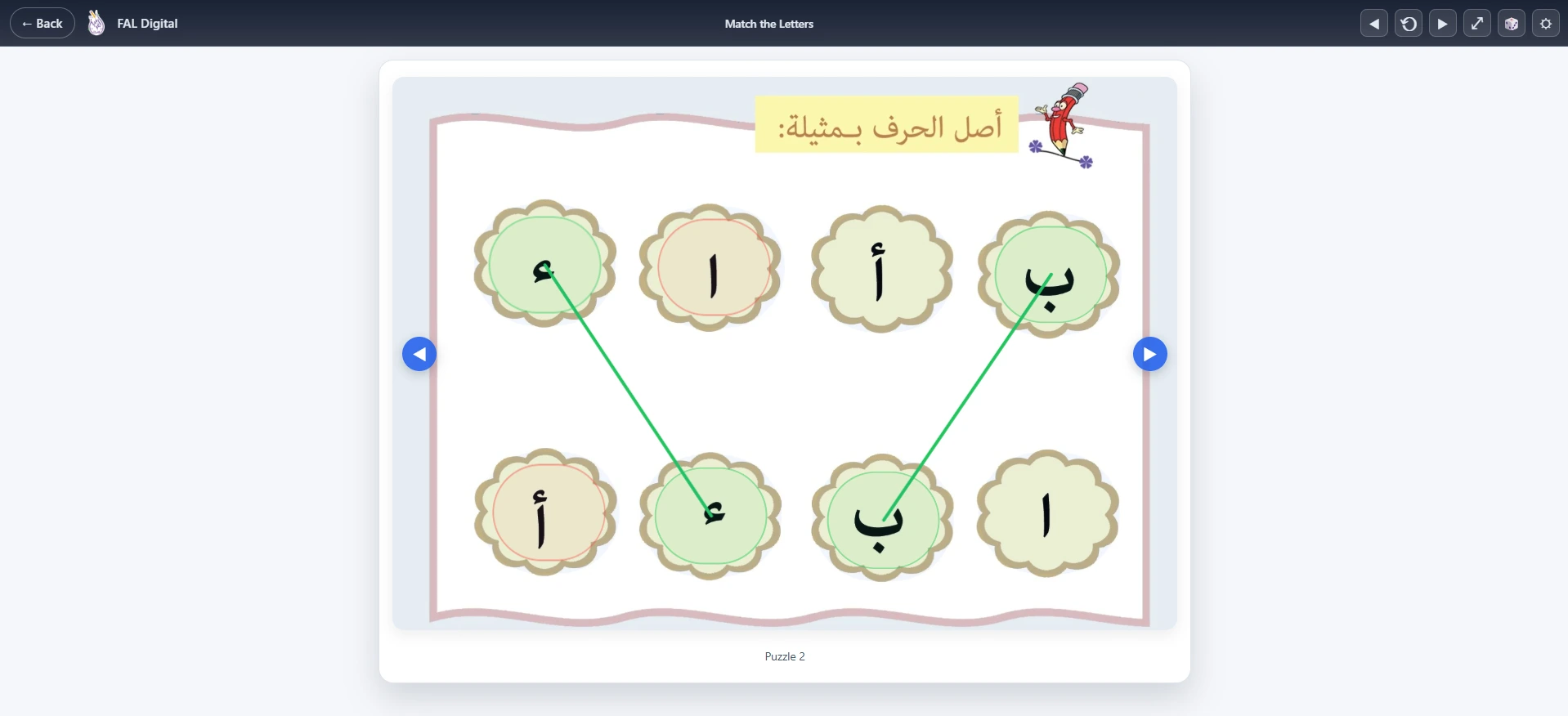
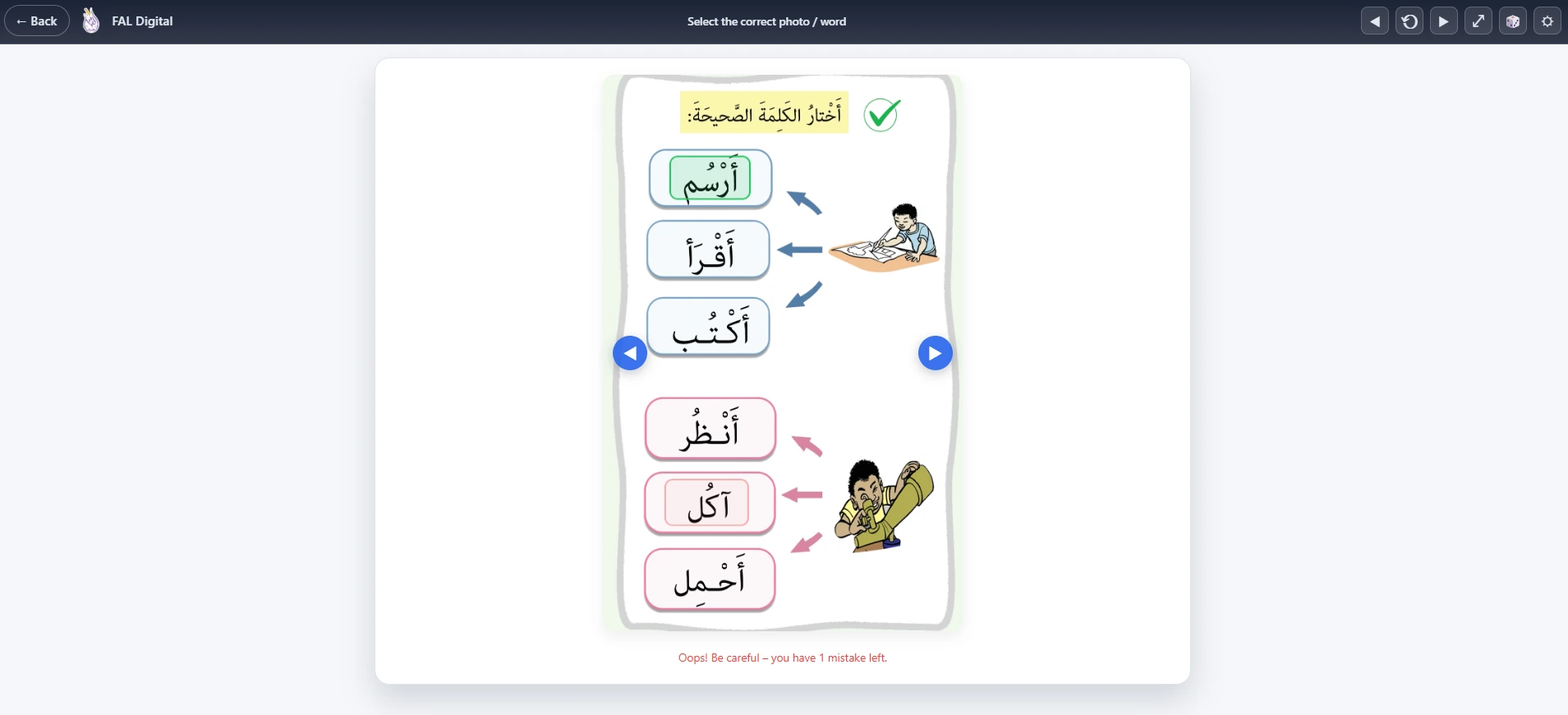
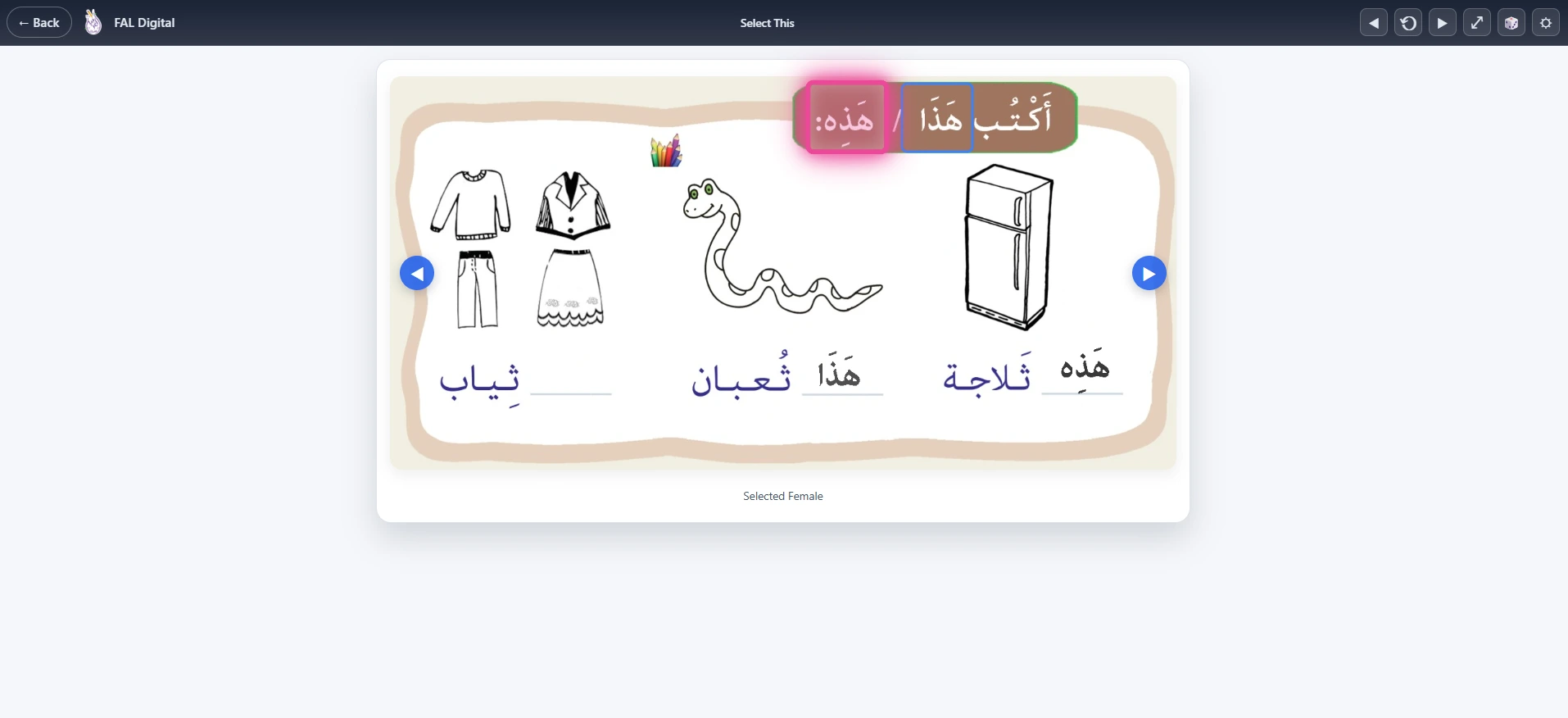
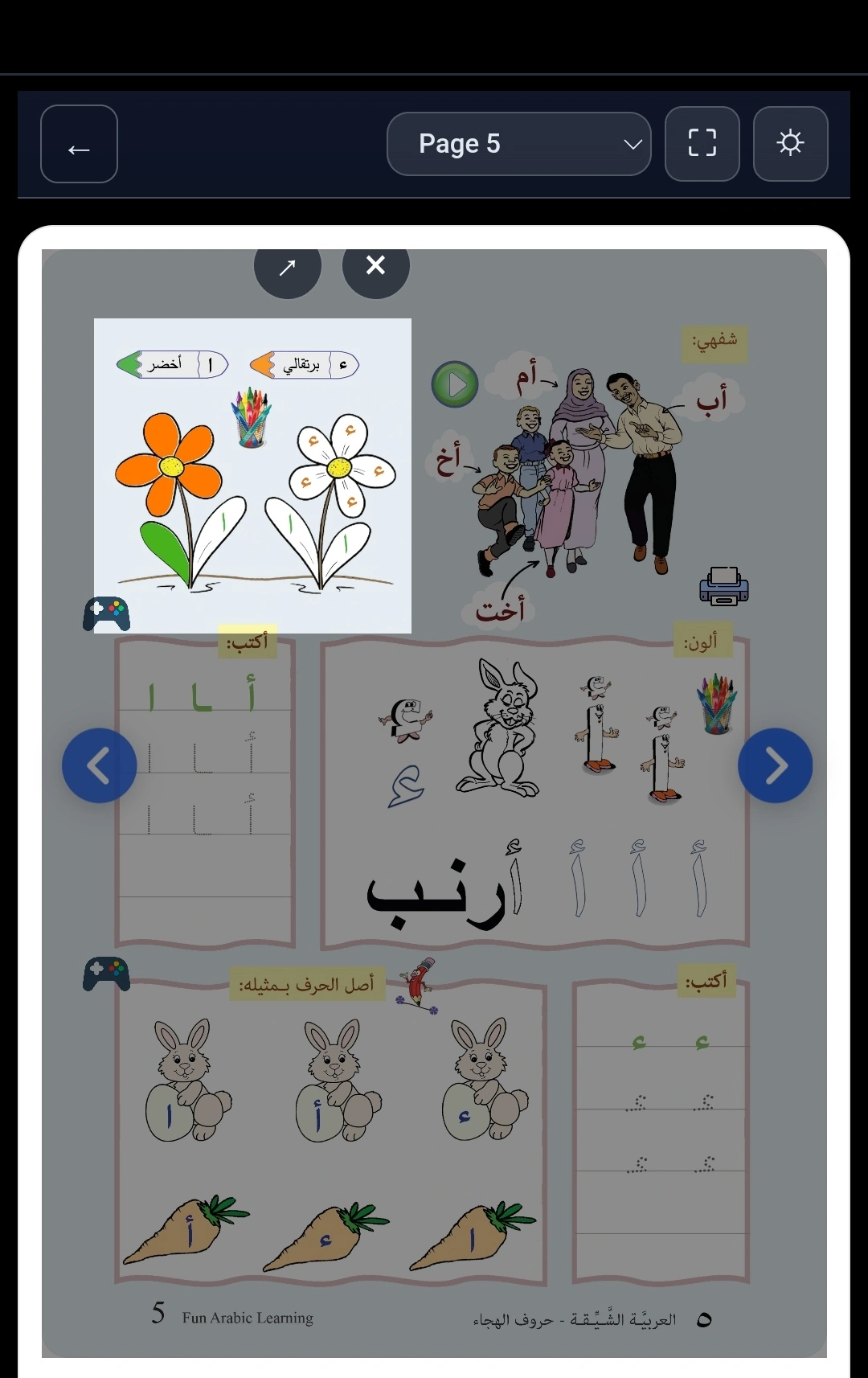
Educational Games
Games are linked to the page being studied, so practice stays aligned to the lesson instead of becoming random screen time.
Game interface
Educational game linked to lesson content
Mobile Experience
The platform is responsive across desktop, tablet, and mobile — useful for families at home and students practising on the go.
Mobile view
Optimized experience on mobile devices
Watch the Platform in Action
This video demonstrates the core learning flow: navigating to a book page, using audio hotspots for pronunciation, and playing linked games to reinforce vocabulary.
Navigate to a book and select a page
Tap hotspots to hear pronunciation and repeat
Play a linked activity to reinforce the same vocabulary
The platform guides learners through a consistent sequence: open a page, tap hotspots to hear Arabic, then practise through games. Each step reinforces the same vocabulary, keeping practice aligned to the lesson content.